

Creating a Theme
Inertia Wordpress gives you the flexibility that you're used to when it comes to your theme.
To do this, we've created a WP-CLI command that bootstraps a brand new theme for you using the frontend framework of your choice.
Bootstrapping
Once you've installed the Inertia Wordpress plugin (and WP-CLI), you'll be able to create your theme.
Using a terminal, change directory to somewhere inside your Wordpress project and run the following:
sh
wp inertia:create-theme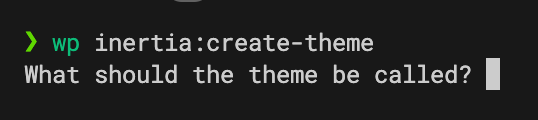
Type in a human-friendly name for your theme, e.g. My Awesome Theme.
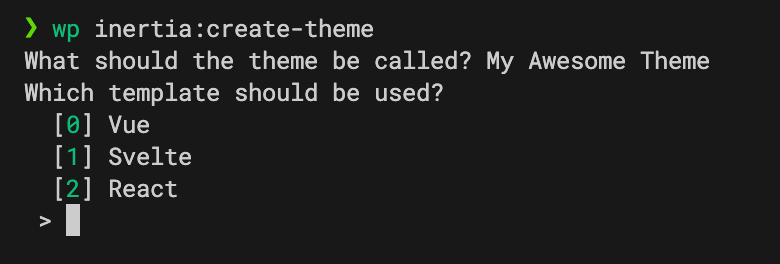
Then select the frontend framework you want to use, so for React, you would type 2.
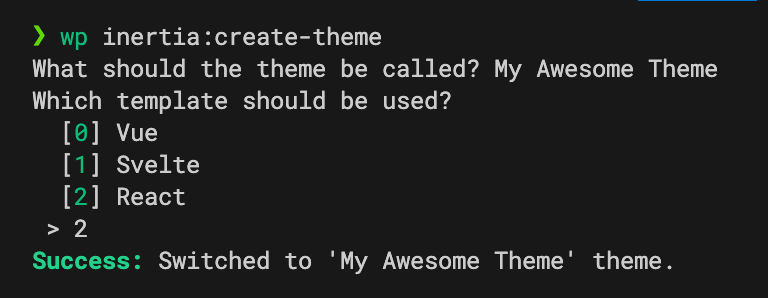
Success
If you check your themes folder, you should find your newly created theme.
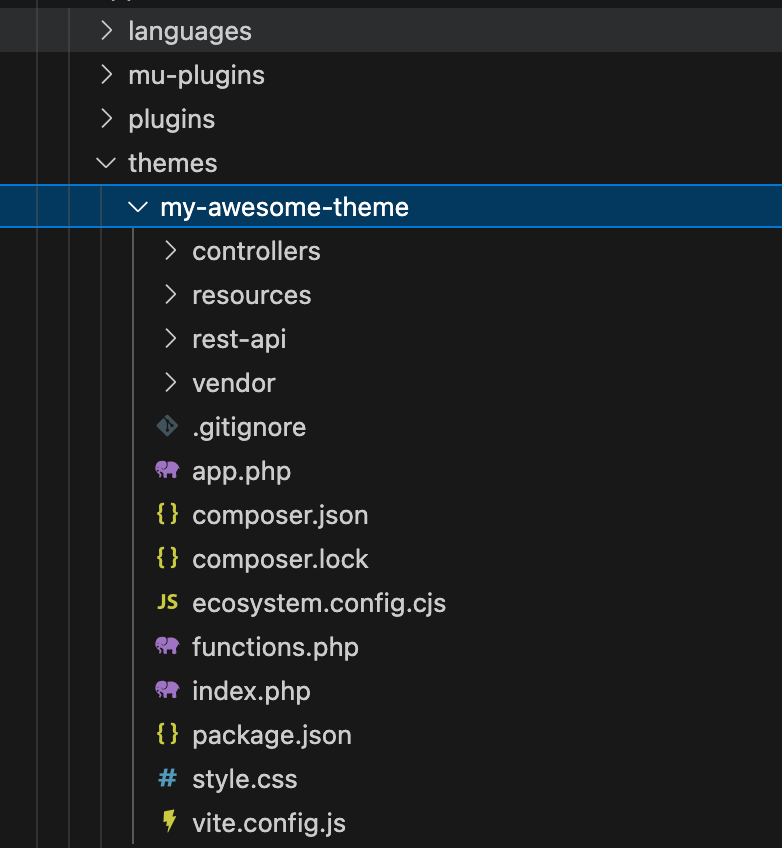
We'll go into more detail about these bootstrapped files in the next section.